
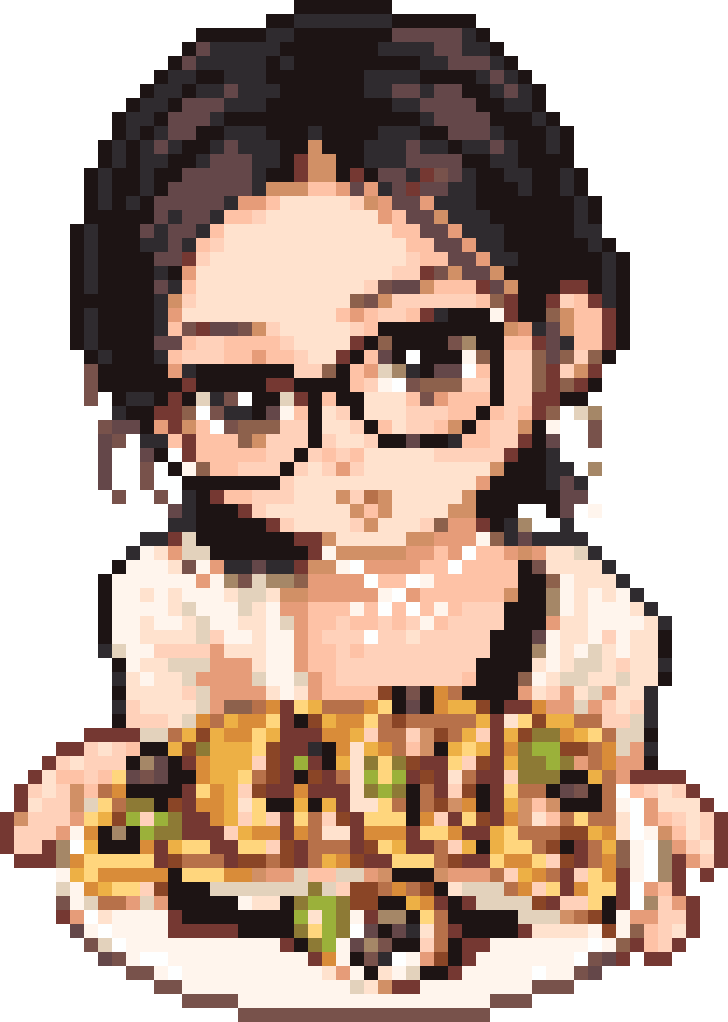
Pixel image1 / 3
Studio · FreeGlasses and Waffles Bead Pattern
Color chart includedGrid size: 52 × 73Colors: 22
Yi Li Xiang Su Dou / BeadColor
Convert images to bead patterns for free, or register for one free AI photo preview.
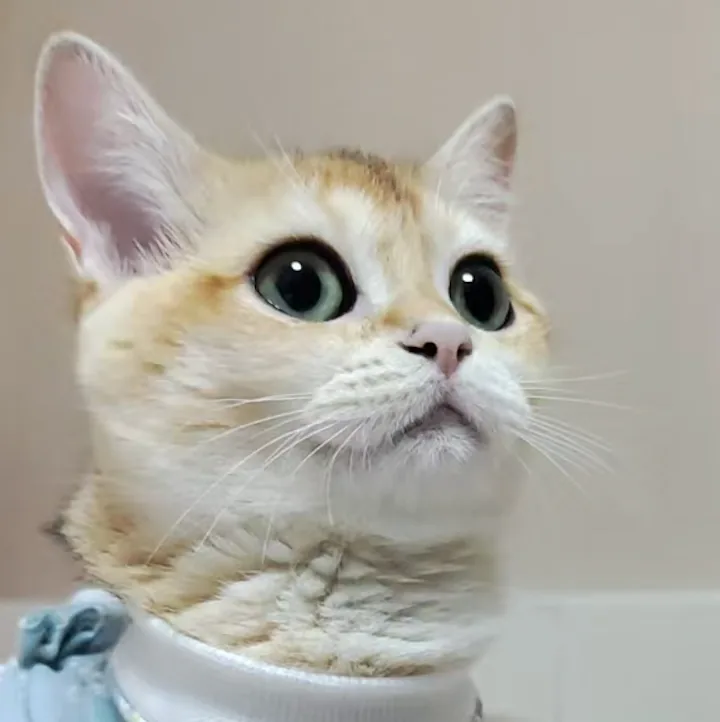
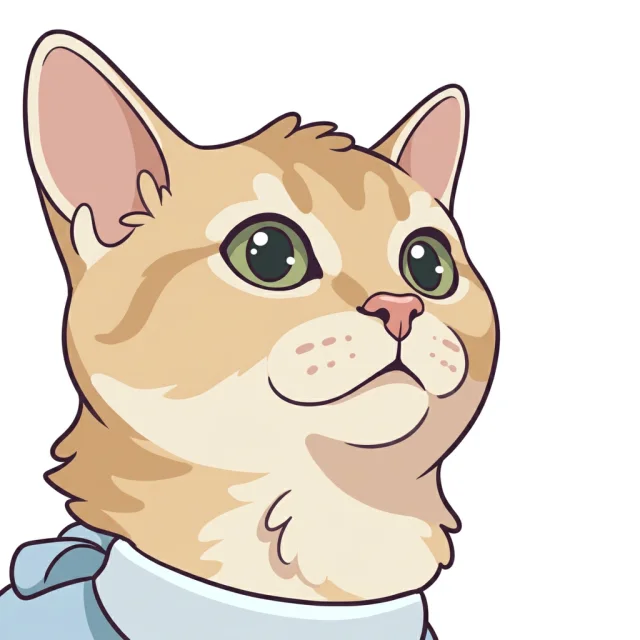
MARD 221 reference colors · Editable grids · PNG & PDF
Browse published bead patterns with grid sizes, color counts and downloadable files.
Color chart includedGrid size: 52 × 73Colors: 22
Yi Li Xiang Su Dou / BeadColor
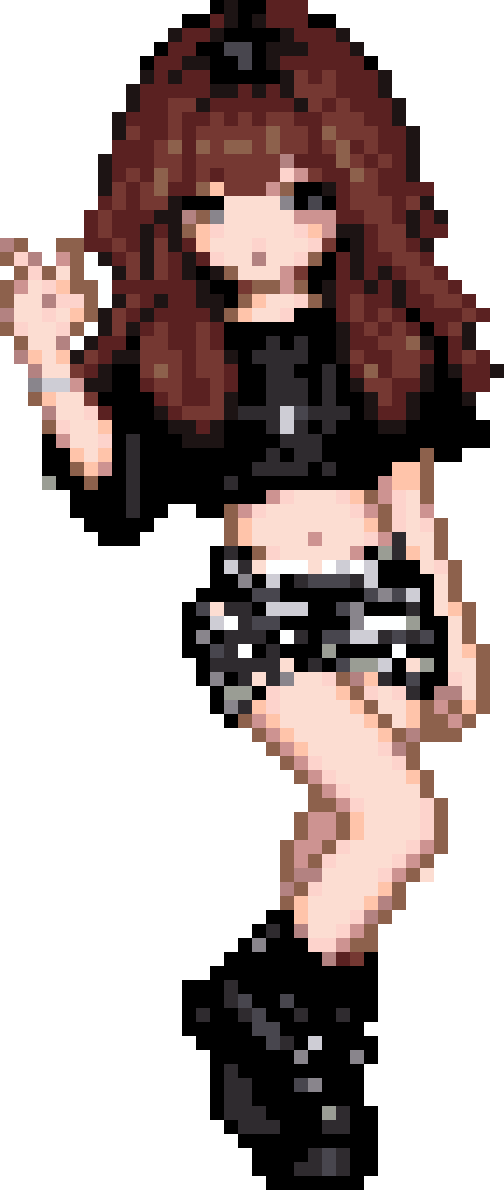
Color chart includedGrid size: 36 × 85Colors: 16
Yi Li Xiang Su Dou / BeadColor
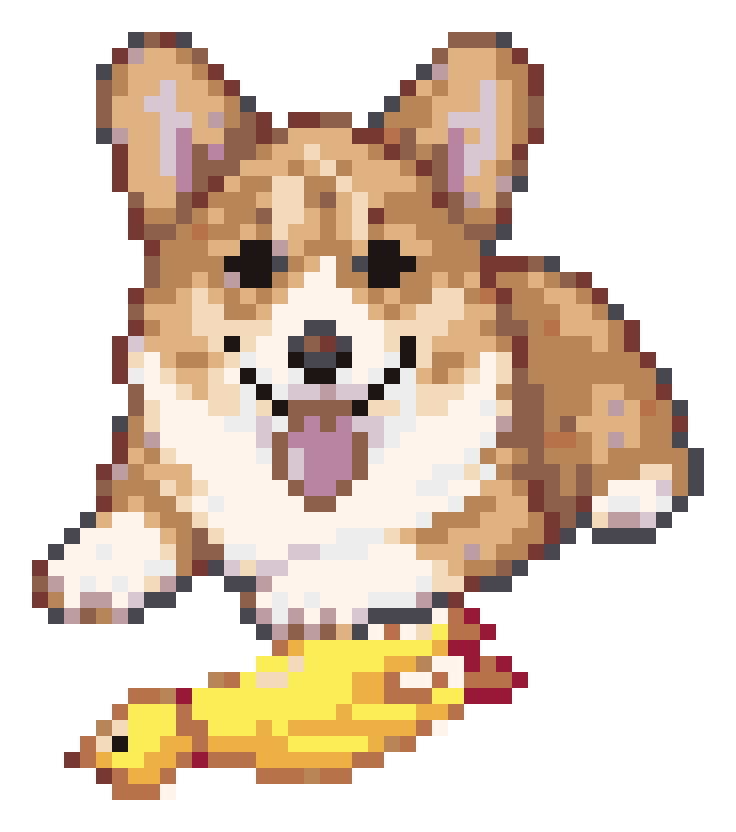
Color chart includedGrid size: 46 × 52Colors: 16
Yi Li Xiang Su Dou / BeadColor
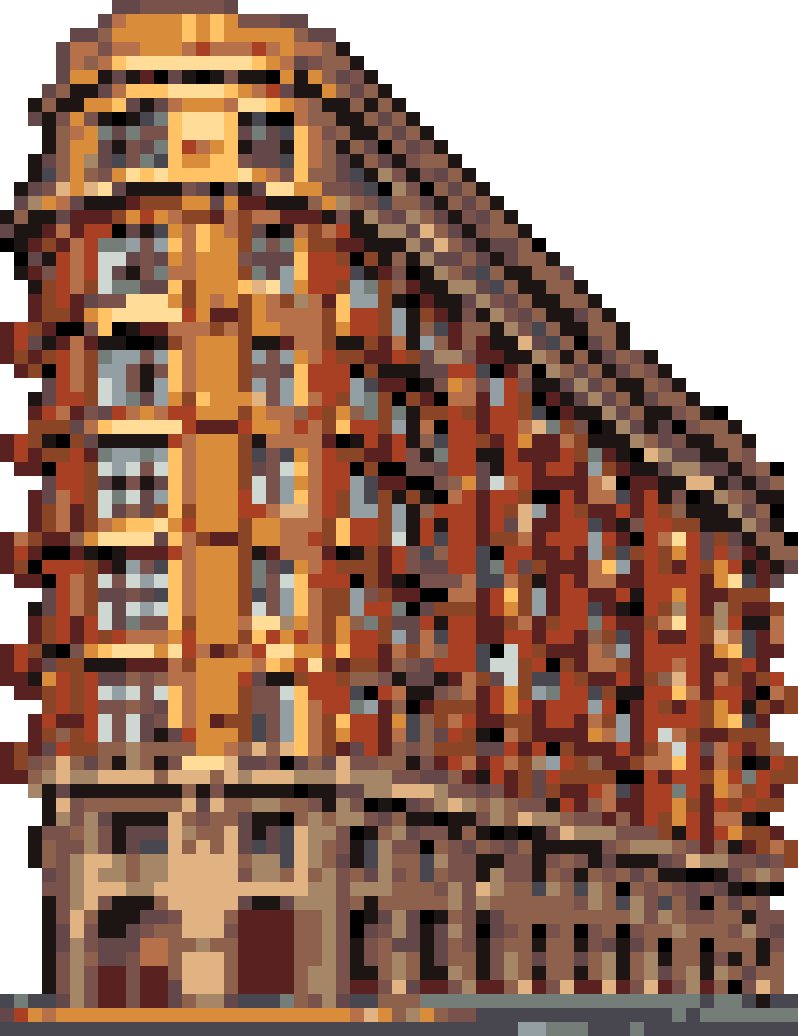
Color chart includedGrid size: 57 × 74Colors: 18
Yi Li Xiang Su Dou / BeadColor
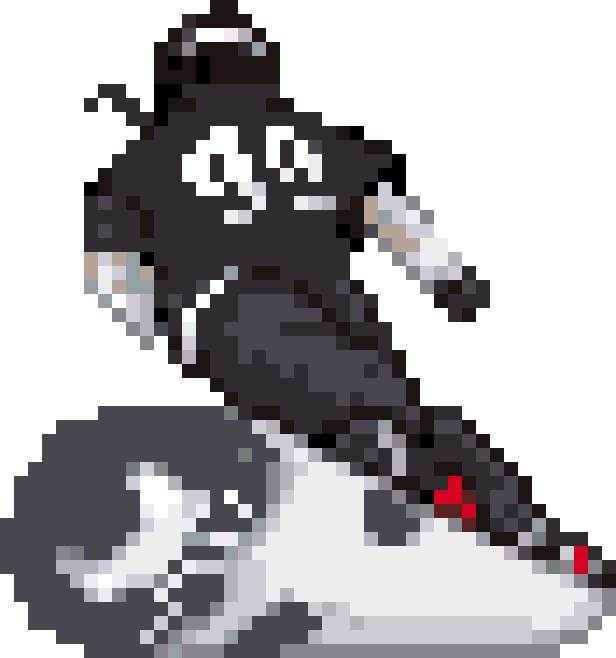
Color chart includedGrid size: 44 × 47Colors: 14
Yi Li Xiang Su Dou / BeadColor
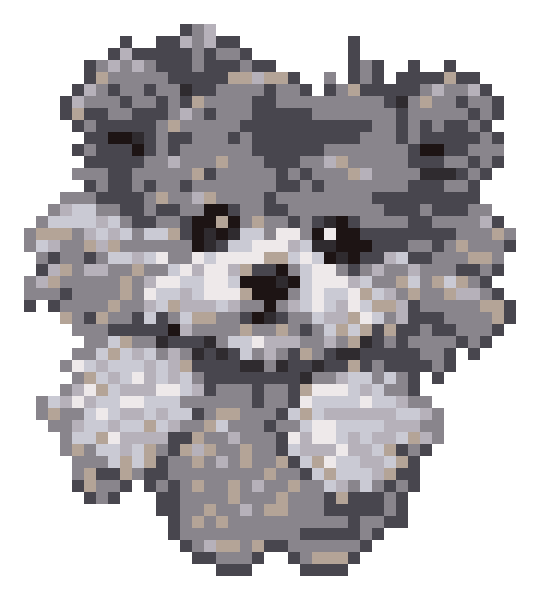
Color chart includedGrid size: 45 × 50Colors: 8
BeadColor
Explore cartoon, chibi, flat and pixel styles, then turn your AI artwork into an editable bead pattern.
AI CREDIT PACKS
Convert your own images for free. Add AI when you want something new.
4 credits per paid AI image · Credits valid for 365 days · No subscription
A small first step
$4.99
one-time payment
20 credits · 5 AI images
Room to explore
$9.99
one-time payment
60 credits · 15 AI images
For your next collection
$19.99
one-time payment
140 credits · 35 AI images
Prices in USD. Applicable tax is shown at checkout.
Before you create
The AI pattern generator restyles an uploaded photo. Choose a style, register for a watermarked preview, then unlock the original before turning it into a bead grid. The image converter turns your existing image directly into a grid in your browser, without AI generation or AI credits. Both routes lead to the bead editor, where you can adjust the pattern before exporting.
Yes. Converting your own image and editing the grid are free, with no account required. Each browser can unlock one work for full-size PNG/PDF exports. Other free exports are limited to three projects per UTC day, up to 29 × 29 beads and 16 colors, with a small footer on PNG/PDF files. The free AI preview has a separate allowance and requires registration. See plans and export limits.
Upload a photo, choose a style, and register or sign in to use your one free watermarked preview. It uses Nano Banana 2 at 1K square; it is an image preview, not an editable bead grid. To download the watermark-free original or send it to the bead editor, open Unlock & download and buy a pack from that image’s page. Once payment is confirmed, that image is unlocked and the pack’s listed credits remain available for future generations. Bead-pattern export limits apply separately.
No. Each paid AI image uses 4 credits. Converting an image into beads and editing the grid do not spend AI credits. Larger pattern exports need a separate work unlock: one is free per browser, and AI Starter includes three more. AI Plus and AI Power add AI credits only. An AI original-image unlock does not unlock professional exports for its bead pattern.
Yes. Upload your photo to the image converter, choose a grid size and palette, then adjust the color limit. Clean up the details in the bead editor and export your grid and bead counts. For a new illustration based on your photo, start with the AI generator.
Yes. Draw, erase, fill an area, pick a color, or replace a color throughout your pattern. Bead counts update with your edits, and you can save your project on this device to continue later.
Choose MARD 221 or 291, Artkal S/SE, Hama Midi, or Perler Midi references in the editor. You can also import a custom palette or work with digital colors. Artkal uses the manufacturer's published RGB reference; Hama and Perler use community color data, not official RGB palettes. MARD is a separate color system. Screen colors are approximate, so check your bead brand, series, and physical colors before making.
Image conversion, editing and PNG/PDF/CSV downloads are free. All sizes and colors supported by the editor, 4K PNG, multi-board PDF and footer removal are included. No sign-in or daily download quota is required. AI generation uses separate credits; downloading its results costs nothing extra.
Restyle a photo with AI, or convert artwork you already have into a bead pattern.