Choose a Pixel Art Grid Size for Your Bead Pattern
Compare compact 16, 24 and 29-cell designs with larger 32 and 64-cell grids. Choose detail that fits your subject, boards and bead budget.
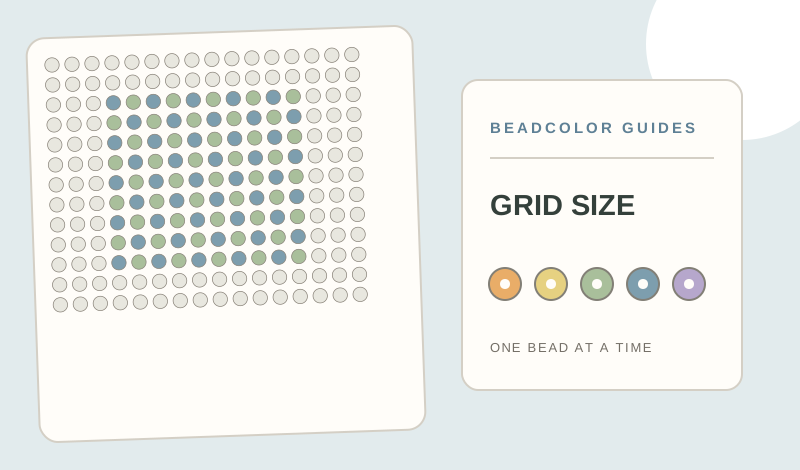
What grid size should you choose for a bead pattern?
Choose enough cells to show the subject clearly without adding unnecessary beads. About 16 cells across suits silhouettes, while 24–29 cells allow many simple charms and single-board designs. A 32- or 64-cell width can support more detail but may require more boards, colors and editing. Crop the image close, compare two previews, and confirm the pegboard and bead size before printing. Free editor exports support up to 29 × 29 with 16 used colors.
- F03 × 89
- H06 × 61
- B09 × 39
- F08 × 15
- H12 × 5
Start with the subject, not a large number
A tiny icon needs a clear outline more than photographic detail. Around 16 cells wide, plan for a silhouette and a few large color groups. Around 24–29 cells, simple faces, flowers and charms gain room for an expression while staying approachable on a single standard board.
Add cells only when they carry meaning
A 32-cell grid can hold more features, while 64 cells can support a small scene or a more detailed portrait. More cells also mean more beads, editing and possibly multiple boards. Crop your source close before increasing dimensions so the subject, rather than the background, receives the added detail.
Check the physical board plan
Grid cells are not a physical measurement. Match the bead size and pegboard first, then check how many board sections your width and height require. The free editor export supports up to 29 × 29 and 16 used colors; larger or more colorful exports can have different plan requirements.
Compare two previews
Try a compact grid and a larger one using the same image crop and palette. Look at both at actual viewing distance. If the larger result adds scattered colors without improving the subject, use the smaller grid or reduce the color limit. Finish with a manual pass on edges and key features.
Make a pattern from your own image
Open Bead MakerExplore the Perler bead pattern maker, choose an editable fuse bead pattern, or try the example pattern shown in this guide.