How to Import a Custom Fuse Bead Palette
Use your own brand or series color codes in BeadColor. Prepare a palette JSON file, import it in Setup and preview the pattern before applying changes.
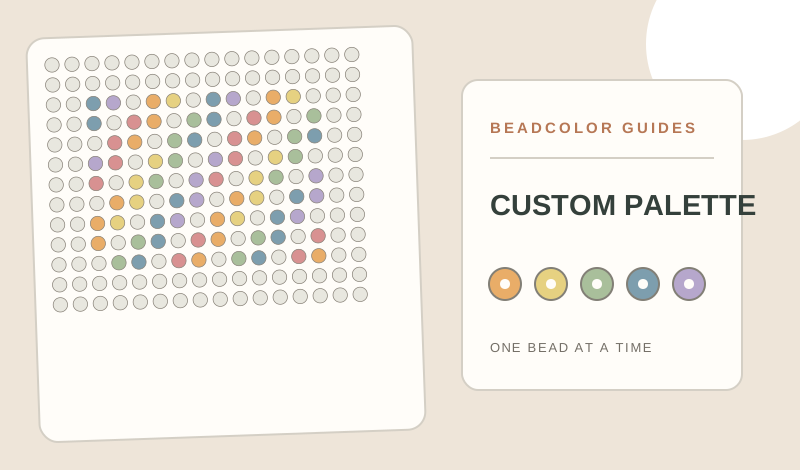
How do you use a custom bead palette in BeadColor?
Prepare a JSON file containing colors with unique ids, names and six-digit hex values, plus optional brand, series and bead-size details. In Bead Maker Setup, expand Import a brand / series color library and select the file. Check the board size and available colors, then preview the new mapping before applying it to your pattern. Screen colors approximate physical beads, so confirm shades against your supplies and retain the original palette file.
- F03 × 89
- H06 × 61
- B09 × 39
- F08 × 15
- H12 × 5
Prepare the color library
A palette JSON file can contain a colors array, with a unique id, name and six-digit #RRGGBB screen color for each entry. You may also include a palette name, brand, series and beadSize (midi or mini). Keep codes from one physical color system together; the screen values guide matching but cannot certify the real bead shade.
Import it in Bead Maker
Open Setup, expand Import a brand / series color library, and choose the .json file. BeadColor accepts 1–512 colors in a file smaller than 256 KB. Invalid codes, duplicate ids or malformed hex values produce an error instead of silently changing your project.
Check bead size and available colors
If the file supplies a midi or mini bead size, the editor selects a compatible board template. Still verify the physical pegboard and packaging yourself. Use Available colors to exclude codes you are missing or protect essential shades while preparing a conversion.
Preview before replacing your grid
Importing a palette changes the proposed color mapping; it does not prove that each screen swatch matches the physical bead. Choose Preview changes, compare it with the current pattern and apply only when the subject and materials list still make sense. Keep a copy of your JSON file for future projects.
Make a pattern from your own image
Open Bead MakerExplore the Perler bead pattern maker, choose an editable fuse bead pattern, or try the example pattern shown in this guide. Compare codes in the MARD 221 color chart.