How to Replace a Color in a Fuse Bead Pattern
Fix a missing or distracting bead shade with the Replace tool, then check the whole grid and materials list so a local change does not erase useful detail.
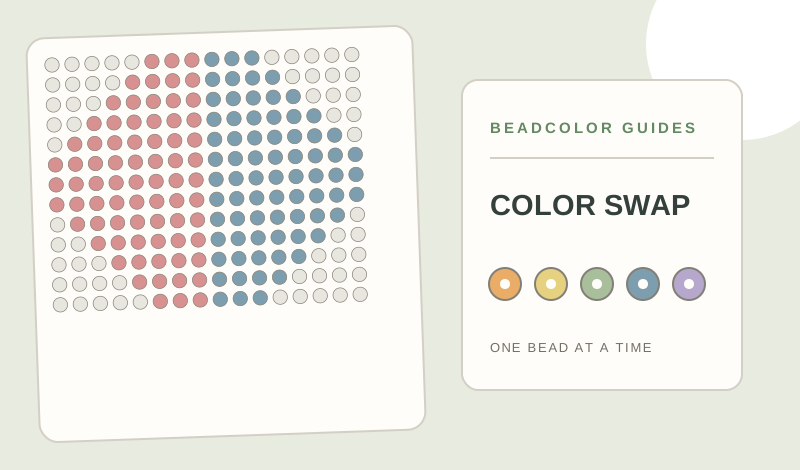
How do you replace a bead color without losing important detail?
Use Draw or Fill for a small area and Replace when an unwanted code appears throughout the pattern. Select a substitute that exists in your physical supplies, compare it with neighboring shades, and inspect the whole grid after changing it. Undo a swap that erases an eye, edge or highlight. Finally, check the updated bead counts and export a fresh grid so your printed materials list matches the edited project.
- B17 × 218
- H12 × 33
- H06 × 18
Decide whether the change is local or global
If only an eye, edge or highlight is wrong, use Draw or Fill on those cells. If the same code is wrong throughout the design, use Replace to swap that used color across the grid. A global swap can affect several parts of the subject, so inspect the full pattern afterward.
Choose a real substitute
Compare your candidate bead under neutral light beside the original and the other colors in the project. Similar screen hex values do not guarantee a physical match, especially across brands. If the reason for replacing a code is low stock, check the bead count before committing to the substitute.
Edit and review the result
In Bead Maker, pick a target color from the project palette, then use Draw, Fill or Replace as needed. Undo lets you back out of a change that flattens a face or breaks an outline. Zoom out to judge the silhouette, then look close for isolated beads and uneven edges.
Update your making plan
Review the materials list after the edit, since the quantity of each code has changed. Save the revised project and export a fresh grid rather than following an older printout. For many unwanted codes, return to Setup and restrict Available colors before previewing a new conversion.
Make a pattern from your own image
Open Bead MakerExplore the Perler bead pattern maker, choose an editable fuse bead pattern, or try the example pattern shown in this guide. Compare codes in the MARD 221 color chart.